
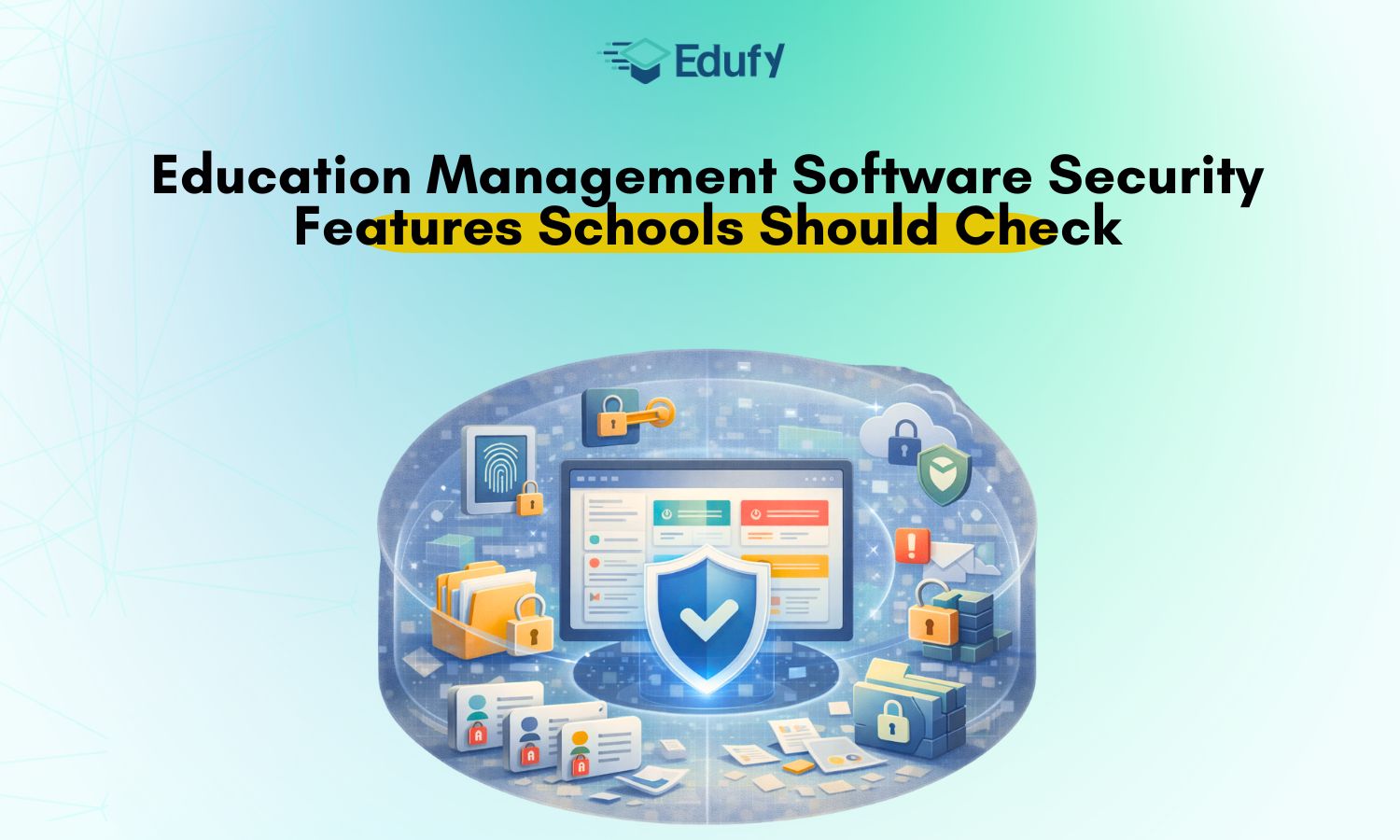
Education management software becomes the core system of a school. It holds attendance, exam results, student profiles, guardian contacts, and fee records in one place. Once a school moves these operations online, the system’s security directly affects daily work, finances, and trust with parents.
Many schools choose software based on visible features like reports or dashboards. Security often stays unclear. This creates problems later, from unauthorized edits to fee disputes and data loss. This article explains the exact security features schools should verify before choosing an EMS, using real situations seen during school system setups.
A school system is not just a tool. It becomes the main source of truth. Teachers update results. Accounts teams handle fees. Office staff manage records. One wrong permission or weak login can create serious problems.
We often see these issues during school onboarding:
These problems come from weak system design, not staff mistakes.
Before looking at security features, schools should know what data stays inside the system.
Attendance, grades, exam results, and promotion history. Changes to this data affect trust and credibility.
Names, phone numbers, addresses, ID details. Leaks here create privacy risks.
Invoices, dues, payment status, transaction history. Errors here can cause financial loss.
Each data type needs a different level of access. One rule for all users never works.
Many schools face similar problems after moving to software systems. These issues do not depend on school size. They appear when access grows faster than control. Most risks come from daily habits that feel harmless at first but create long term trouble.
Shared logins are common in schools. When staff change roles or leave, access often stays active. Anyone with the old credentials can open records, edit data, or download information without permission.
Passwords stay simple and unchanged for years. Staff reuse the same login across devices. This makes guessing easy and raises the chance of misuse, even without technical knowledge.
Accounts data sometimes remains visible to non accounts staff. Payment status, discounts, or adjustments can be changed accidentally. When parents notice inconsistencies, trust breaks quickly.
Records get deleted by mistake during updates or cleanup. Without backups, the loss becomes permanent. Schools then depend on memory or paper files to rebuild data.
These problems appear in both small and large schools. They come from system setup, not from staff behavior.
Role-based access means the system decides what each user can see and edit based on their role. A teacher should access only assigned classes. Accounts staff should access fee records. Office staff should manage admissions data. No one needs access to everything.
This setup stops unauthorized edits by default. If a teacher tries to change exam results for another section, the system blocks it. If an account user tries to edit attendance, access is denied. Edufy applies role-based access across academic, admin, and fee modules, so schools do not manage permissions manually each day.
Passwords alone are not enough. They get shared, written down, or reused. A secure EMS adds another step to confirm identity during login. This protects the system even if a password becomes known.
In real use, this prevents access when a staff phone is lost or a login is shared unintentionally. The extra check runs quietly in the background. Edufy supports secure login verification while keeping the login process simple for teachers and admins.
Student and fee data should remain unreadable to anyone outside the system. This applies while data is stored and while it moves between services such as payment gateways or reports.
For example, when fee payments pass through bKash or Nagad, data travels between systems. Protection during this transfer prevents exposure. Edufy uses encrypted communication for student records, fee transactions, and system messages, reducing the risk of interception.
Mistakes happen. Attendance entries get deleted. Fee records are changed by error. Without backups, recovery is impossible. A secure EMS runs automatic backups at set intervals without staff involvement.
During onboarding, we often test recovery by restoring deleted records. Systems without backups fail this test. Edufy runs scheduled backups so schools can restore data when errors occur, avoiding permanent loss.
Every system change should leave a record. Activity logs show which user made a change, when it happened, and what was modified. This creates accountability and helps resolve disputes.
For example, if exam marks change after result publication, logs show who accessed the record. Edufy keeps activity records for admin review, helping schools maintain transparency without manual tracking.
| Area | Weak EMS Security | Strong EMS Security |
| User Access | One shared login used by multiple staff members | Separate logins based on staff roles and responsibilities |
| Permission Control | Everyone can view and change most data | Access is limited to only what each role needs |
| Fee Management | Fees tracked manually or edited without restriction | Fee modules are protected and changes require permission |
| Edit Tracking | No record of who changed data or when | Full edit history showing user, time, and action |
| Data Safety | No clear backup or recovery option | Regular backups with data recovery support |
| Overall Control | Actions happen without accountability | Every action is controlled and traceable |
Security is not about adding complexity. It is about a clear structure.
Schools often worry about internet reliability. Fee entry or attendance should not stop due to temporary connection issues. A good system supports offline workflows where possible and syncs data once the connection returns.
Data privacy is another concern. Schools want assurance that student data stays protected and accessible only to authorized users. Edufy uses secure hosted storage, protected access controls, and automatic backups to address these concerns.
Security should not slow teachers or confuse admins. Edufy keeps login steps clear, dashboards simple, and language options available in Bangla and English. Staff adapt quickly without long training sessions. Protection runs quietly while daily work continues.
Online fee collection through bKash and Nagad links each payment to a student record. Attendance data stays protected so only assigned teachers can update entries. Bulk SMS alerts send messages without exposing student details. Central dashboards reduce manual errors by keeping all records in one place.
Small schools start with basic role setup and fee protection. Mid-size schools separate academic and accounts access and use logs for review. Large schools apply department-based access and stricter controls. Edufy supports these setups without changing daily workflows.
Before choosing an EMS, schools should review a few key points that directly affect daily safety and control.
This limits mistakes and misuse. Teachers should not see fee data, and accounts staff should not edit academic records.
Fee data is a common target for errors and misuse. Role-based access keeps payment records accurate and traceable.
Automatic backups protect school data from accidental deletion, device failure, or system issues.
Edit logs show who changed what and when. This builds accountability and resolves disputes quickly.
Secure data transfer prevents exposure when information moves between devices or systems.
Language support helps staff use security features correctly, reducing errors caused by confusion or misunderstanding.
Security in education management software protects trust between schools and parents and between staff and leadership. A well-built system reduces risk without making daily work harder by keeping access clear, data protected, and tasks simple for staff.
Schools that review security features early face fewer issues later, making the selection process calmer and more confident. Before choosing a platform, it helps to review the education management software security features schools should check and confirm the system supports safe and smooth school operations.
Get personalized solutions from our dedicated team of specialists available 24/7. Start your journey to success today.
.jpg)
.jpg)